
Demo Stage: How to Use AI to Grow Your B2B Revenue
I’ll show you how to use AI to win clients and grow revenue.

I go from this summit's own sponsor list to a campaign ready to send, live on the Demo Stage, with the tools we actually use: Claude Code, Prospeo and Lemlist.
Who we are
Human-in-the-loop AI go-to-market, built for B2B revenue.
We build and run go-to-market systems for B2B companies that need to grow revenue — AI doing the work, senior operators deciding what ships. Our clients are in Switzerland, Germany and the US.


Why this session
A live build, not a talk.
For you ifStartups chasing their first customersB2B teams accelerating growth
The same system, pointed at investors — how we helped a Swiss client raise $5 million.
See the fundraising workflow →

Proof
The same system, already running for clients.
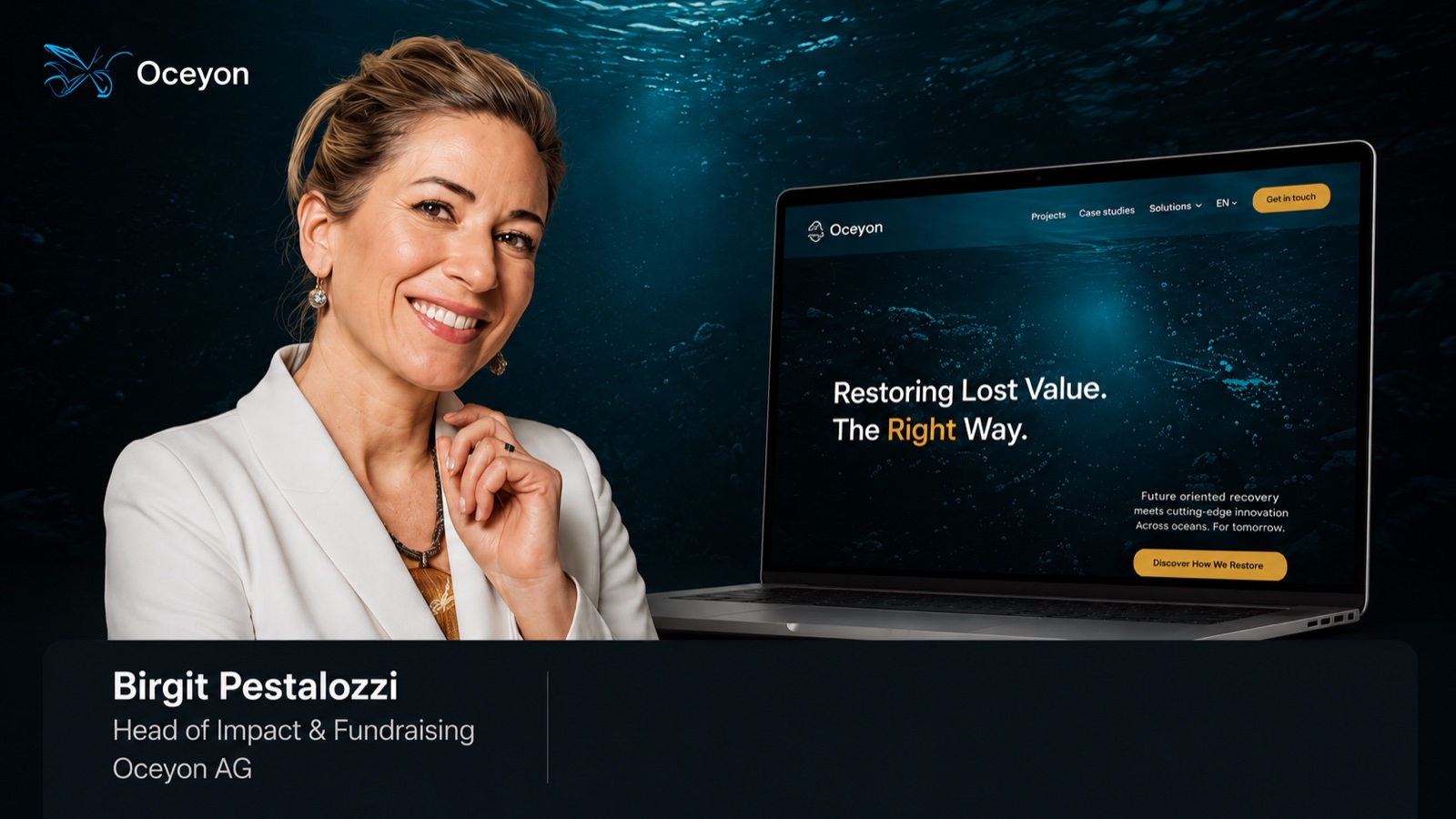 Oceyon AG500+ positive investor responses and 300+ meetings booked, €25M+ in investor pipeline.
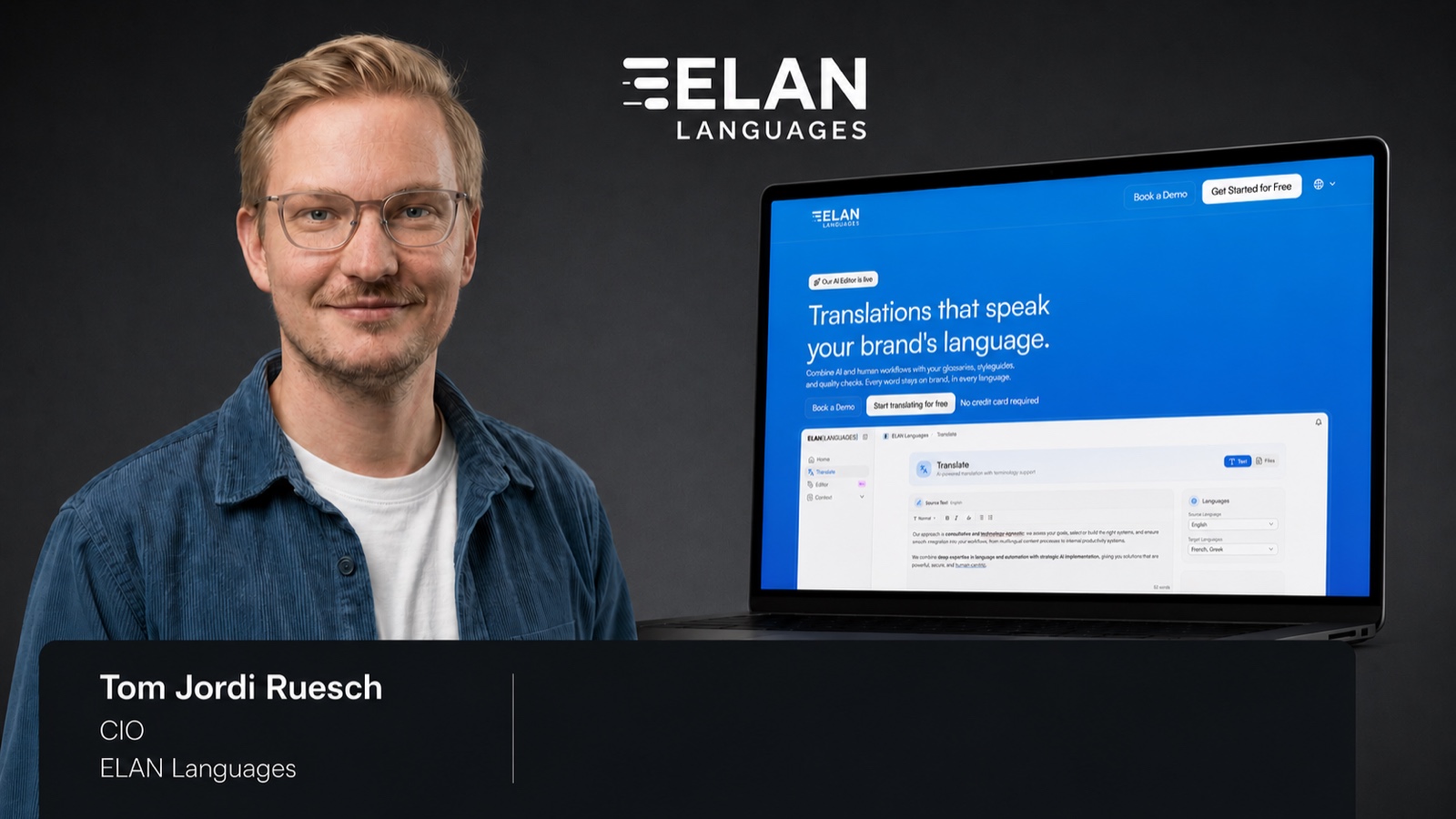 Elan LanguagesIn 90 days the market confirmed the exact buyer, 80+ interested enterprise buyers in pipeline.
 Kastner FrankfurtThe agency behind Red Bull's 'gives you wings'. 1M+ data points analysed into a targeted DACH outbound system.
What I build on stage
From first prospect to ready campaign — in Claude Code.
This summit is my prospect list.
- Sponsors + demo companies
- →Who needs a GTM system now
- →LinkedIn campaign

Your company is here? You are on the list.
- 10minlive build
- 6steps
- 1prompt
List and skills prepared. The run is live. One step still needs a human yes.
Prepared before today
- 78companiesfrom the summit's own pages
- 6skillsone per step
- 1scriptsequence built in seconds
Live on stage · One prompt, pasted once
- A Done
Define the ICP
Claude CodeFrom the deals that actually closed, not the ones we wish had.
OutputICP definition
- BLive
Find the prospects
 Prospeo
 ColdIQ
Every company at this summit first, then filter it down.
Outputraw list
- CLive
Enrich and verify
ProspeoColdIQThe LinkedIn profile checked against the person behind the row.
Outputverified profiles
- DLive
Score and tier
Claude CodeFit plus need, with a written reason on every row.
Outputtier 1 · 2 · 3
- ELive
Write the messages
Claude CodeOne message each, from the real signal. I read them on stage.
Outputmessages written
- FLive
Set up the campaign
 Lemlist
Visit, invite, message after they accept. It goes in paused.
Outputcampaign ready
The campaign is set up. I put it live.It stays paused until I say so.Human yes
One prompt. Everything above happens from it.
MODE: auto
DATA: fresh
(MODE auto = live when today's date equals the Demo date in CONFIG, rehearsal on any other day. Write "rehearsal" or "live" instead of "auto" to force it. DATA cached = skip the Prospeo calls and use ./cache/.)

You are running in front of a live audience at AI Summit Barcelona, inside the "24 DemoSummit" project. The terminal is on a big screen and people are watching every line. Goal: find which companies at this summit need a GTM and revenue growth system right now, and build the LinkedIn campaign to reach them, steps A to F, in under 10 minutes, 12 at the very most. Data: Prospeo only. Channel: LinkedIn only. Everything is prepared: each step has its own skill in .claude/skills/ and the heavy lifting is done by the tested scripts in ./scripts/. Use them, do not improvise new methods.

RULES
- No questions, no confirmations, no stops. Run from step A to the finished Lemlist campaign in one go.
- First: run `date +%s` and `date "+%Y-%m-%d"`, resolve MODE and print it in one line, move the old ./run/ to ./archive/<timestamp>/, create a clean ./run/, and create a todo list of six items named exactly: "A Define the ICP", "B Find the prospects", "C Enrich and verify", "D Score and tier", "E Write the messages", "F Set up the campaign". Tick each off as it finishes.
- Each step writes to ./run/ and reads only the previous step's file. Work on the whole list in bulk, never row by row. Never read raw enrichment responses yourself; the scripts write slim files. No web browsing.
- If a call fails twice or takes longer than 25 seconds, load that step's file from ./cache/, print "USING CACHED STEP <letter>", continue.
- Never start, launch, schedule or send anything. The campaign stays paused: I approve it in Lemlist before anything goes out.
- Campaign title: "<base name> | YYYY-MM-DD HH:MM" using the exact build time. In rehearsal mode add " | REHEARSAL" at the end. In live mode add nothing.
- Before step F, clear the leads out of every earlier campaign whose name starts with the campaign base name and that is still paused and has never sent anything, so no lead is rejected as a duplicate. Never touch a campaign that is running or has sent anything, and never touch any other campaign.
- Where this prompt and a skill or script disagree, this prompt wins. In live mode never edit a skill, a script or any project file, just follow this prompt. In rehearsal mode, update the skills and scripts so they match this prompt.

SCREEN (the audience reads along)
- Before each step, one plain sentence: what you are about to do and with which tool. Example: "Asking Prospeo who runs sales at these 140 companies."
- After each step: one banner line (letter, name, row count, elapsed time), then a small result, then one "so what" sentence in plain words.
- Results on screen: max 10 rows, max 5 narrow columns, reasons cut to 12 words. Full data goes to the files.
- Never let more than about 40 seconds pass with nothing new on screen. Split long work into visible batches and say which batch you are on.
- Plain language, no internal jargon, no markdown headers, no recap of these rules, no long explanations.
- Never on screen: emails, phone numbers, API keys, raw JSON, file dumps.

TIME
- Scripts do all the data movement and all the scoring math. You only write three things: the ICP, the reason sentence for Tier 1 rows, and the custom messages.
- Custom messages: max 25, the top rows by total score. Every other lead that gets a message uses the template, assembled by script from the row's strongest signal. You do not write those one by one.
- Do not pause to deliberate between steps.
- Checkpoint after C: if more than 5 minutes have passed, write reason sentences only for the top 15 rows.
- Checkpoint after D: if more than 7 minutes have passed, write custom messages only for the top 10 rows; the rest use the template.
- If 10 minutes have passed before F has started, go to F immediately with what exists.

CONFIG
- Sender: Sami Ghozzi, Saverflow AI
- Offer: "We build your GTM and revenue growth system with AI, so pipeline grows without adding headcount, and a human approves every message before it goes out."
- Ask: a 15-minute call
- Invitation: no note
- Campaign base name: "AI Summit BCN | You're on the list"
- Demo date: 2026-09-23
- Caps: 200 companies, 200 people

WHO WE TALK TO
- Under 200 employees: up to two people per company. The CEO, Founder, Co-founder or Managing Director, and the most senior sales leader (CRO, VP Sales, Head of Sales, Sales Director).
- 200 employees and above: one person per company, the most senior sales leader: CRO, VP or SVP Sales, Head of Sales, Sales Director, Head or VP of Revenue, Head of Growth, Head or VP of Business Development. Only if no sales leader exists: CMO or VP Marketing.
- Never: SDRs, BDRs, account executives, sales managers below director level, recruiters, assistants, interns, advisors, consultants, board members, investors, or anyone who no longer works there.

STEPS
A. Define the ICP. Use the step A skill: derive the ICP from input/closed_deals.csv. Write A_icp.md, max 12 lines, and print it.

B. Find the prospects. Use the step B skill and its fast method, in two visible parts.
B1 Companies: take input/summit_companies.csv, ignore rows marked skip, remove exclusions. Match by domain only, never by name, and drop any row where the domain Prospeo returns does not match the input domain. Drop the companies that hit a disqualifier. Print a four-line summary: companies in, matched, dropped and why, companies left.
B2 People: find the buyers with their LinkedIn URL following WHO WE TALK TO exactly, using each company's real headcount to pick the rule. Write B_raw_list.csv with headcount and role_type (ceo or sales_leader) on every row. Print how many CEOs and how many sales leaders were found.

C. Enrich and verify. Use the step C skill: confirm each LinkedIn profile really belongs to that person at that company (name, current company, current title all match), and confirm the title fits WHO WE TALK TO for that company's size. Drop every row that fails either check. Write C_verified.csv. Print the pass rate, the breakdown of CEOs and sales leaders under 200 and 200 plus, and three examples of dropped rows as company plus reason, so the audience sees the check working.

D. Score and tier. Use the step D skill. The script computes Fit 40 plus Need 60 from the data. Tier 1 = total 65 or more AND at least one real need signal besides being at the summit. Tier 2 = 45 to 64. Tier 3 = below 45. You write the "reason" sentence for Tier 1 rows only, max 20 words, citing the real data points; for all other rows the script assembles the reason from the signals that fired. Write D_scored.csv. Print the tier counts, then the top 10 by Need: company, title, total, tier, reason.

E. Write the messages. Use the step E skill. ONE LinkedIn message per lead, sent only after they accept the invitation. Custom messages for the top Tier 1 rows (limit in TIME): built from that row's strongest need signal; they may say that I built this list live on the Demo Stage at AI Summit Barcelona and they came out on top. All remaining Tier 1 and all Tier 2: the shared template, assembled by script; it says they are on the list and why, nothing more. Tier 3: excluded. Max 60 words. Shape: why them, the one-line offer, the ask. Write for the role: a CEO hears growth without adding headcount, a sales leader hears a pipeline system for their team. When two people at one company are included, never give them the same text. First person, plain, direct, specific. No hype, no buzzwords, no invented facts, never tell them they are doing sales badly. Write E_messages.md. Print the 5 best custom messages as readable blocks, not a table: one line with company, first name and title, then the message underneath, so I can read them out. Go straight on to F.

F. Set up the campaign. Right before creating the campaign, run `date "+%Y-%m-%d %H:%M:%S"` and keep that value as BUILT_AT. Use it for the campaign title (down to the minute) and for the CSV below. Use the step F skill and its script. Build a LinkedIn sequence in Lemlist, exactly this and nothing more:
   1. Visit profile
   2. Send invitation, no note
   3. Condition: invitation accepted within 50 days
      - Yes: wait 1 day, then send the LinkedIn message using the custom variable {{message}}
      - No: end, no further steps
Add Tier 1 leads first, then Tier 2, each with their LinkedIn URL and the custom variables message, tier, score, reason. Re-check every lead against input/exclusions.csv before adding. Leave the campaign paused. Then read the campaign back from Lemlist and print its steps in five short lines so the audience sees the sequence. Write F_campaign.md with campaign ID and URL.

Then the script writes the final CSV: ./run/campaign_<YYYY-MM-DD>_<HHMM>.csv, named from BUILT_AT, and copies it to ./exports/ (create the folder if missing). One row per scored person, all tiers, with these columns: demo_date, built_at, mode, company, domain, headcount, first_name, last_name, title, role_type, linkedin_url, fit, need, total, tier, reason, message, loaded_to_lemlist (yes/no), lemlist_campaign_name, lemlist_campaign_id, lemlist_campaign_url. demo_date comes from CONFIG, built_at is BUILT_AT to the second. No emails or phone numbers in this file.

FINISH
Stop the clock here. Print a summary of at most 10 lines: companies in, buyers found, profiles verified, Tier 1 / 2 / 3 counts, the five companies with the highest Need score, leads loaded, Prospeo credits used, total elapsed time, the full campaign title with its timestamp, the Lemlist campaign URL, and the path of the final CSV. Append one line to ./runs_log.csv with seconds per step and total seconds. Copy ./run/ to ./cache/ only if DATA was fresh, no cached step was used, there are at least 20 verified rows and 5 Tier 1, and the campaign exists and is paused.
Rehearsal mode only, after the clock has stopped: list what you changed in skills and scripts, name the slowest step and what would make it faster, and if ./prompt.md differs from this prompt, overwrite it with this prompt.- Replies re-score the list.
- Meetings sharpen the ICP.
- Failed profile checks go back to step C.
StackClaude CodeProspeoColdIQLemlist
Session sponsors
Five startups leading in data and AI.
Chosen by me, independent of AI Summit Barcelona. ColdIQ and Prospeo also run inside the demo.





Work with us
We build this system for B2B companies that want to grow.
Senior operators, AI agents and multi-channel execution, run as one engine for B2B teams across Europe and the US. If growth is the problem, this is the conversation.
Who is this for?
Pick the one that sounds like you.
Win new clients.
For startups and established brands, with a new offer or a proven one. A repeatable way to reach the right buyers.
Positioning, infrastructure and ICP list.
We run the outreach too. In 90 days you know which buyer and channel work.
Elan Languages · 80+ interested enterprise buyers
Own your market.
For companies that want to grow fast. We run every channel as one engine, so awareness and pipeline compound.
Outbound, ABM, ads and content as one system.
Positioning, ICP list and outreach are part of it.
Oceyon · €25M+ investor pipeline
Best fit B2B · Deals from €10K · Europe & US
Free GTM strategy workshop for 3 companies.
30 minutes. How to use this playbook to grow your revenue. We pick 3 companies next Monday.